


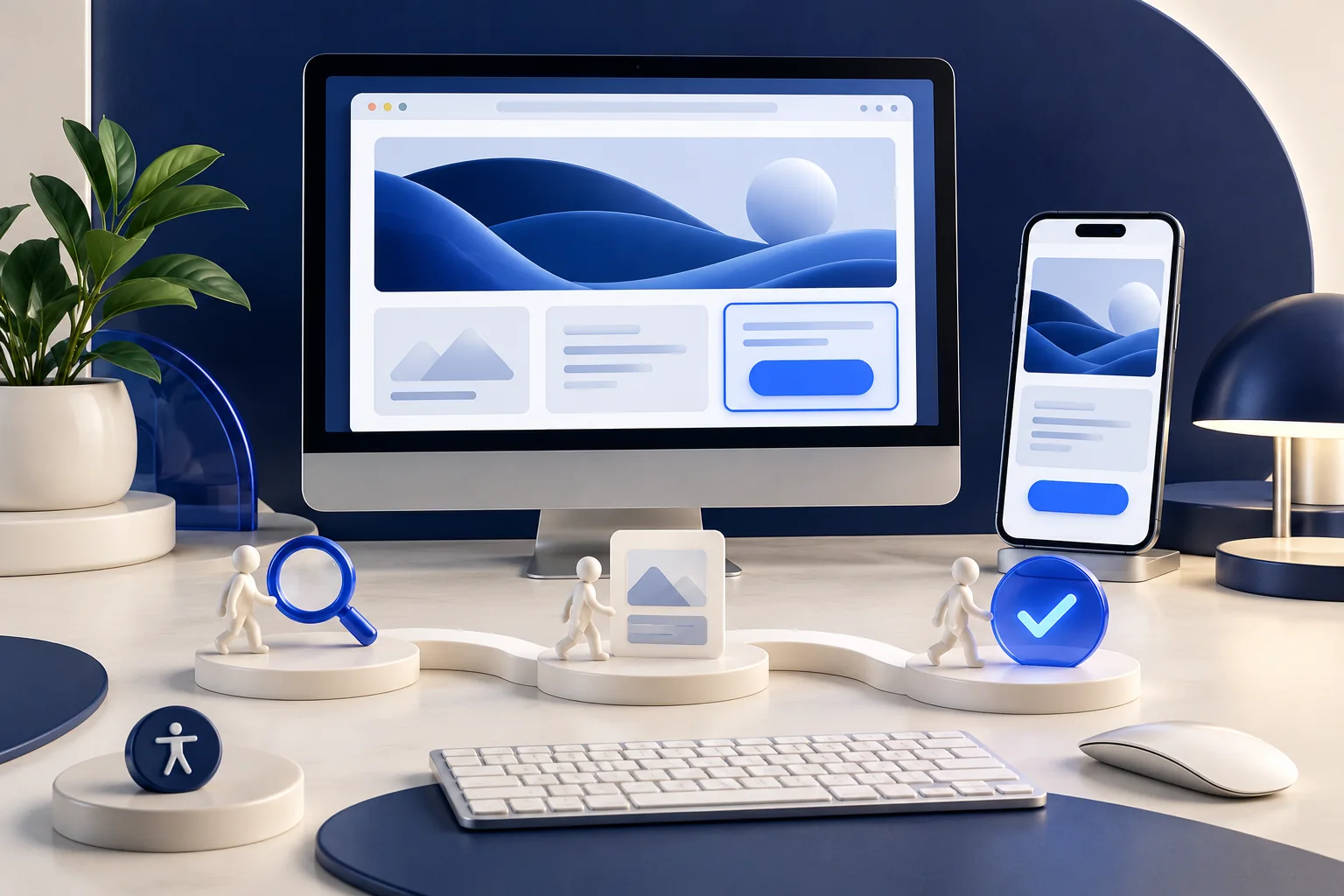
Learning objectives
- Translate a customer task into a clear page and navigation structure.
- Review accessibility and the complete interaction across devices.
Define the decision the page supports
List the intended audience, the question to answer and the next action. A service page may need suitability, process, limitations and a contact route before a decorative introduction. Write plain, specific content and group it under meaningful headings. Decide what belongs on this page and what deserves a clearly linked explanation elsewhere.
Create an understandable path
Use consistent navigation and links that describe their destination. Show where the person is and provide a practical way back. Keep essential actions distinguishable without relying only on colour. For a form, use visible labels, explain required information and show errors near the relevant field with a way to correct them. A successful submission should clearly explain what happens next.
Design for different abilities and contexts
People may use a keyboard, assistive technology, magnification or a small screen in bright light. Check readable contrast, logical focus order and text alternatives that convey purpose. Allow content to reflow when space is limited or text is enlarged. An automated check can help find some issues, but does not establish that real people can complete the task.
Treat performance and maintenance as part of design
Use appropriately sized images, stable layout space and only the interactions the task needs. Avoid effects that obscure content or make navigation unpredictable. Define who owns updates to prices, service scope and contact details. Test realistic content lengths, language directions and error states. A design should remain usable after the first attractive demonstration is replaced by actual content.
A task-led design cycle
Review the complete journey rather than approving isolated screens.
Understand
Identify a user task and the information needed.
Organize
Create a clear content and navigation structure.
Build
Implement accessible, responsive interactions.
Evaluate
Observe completion, correct barriers and maintain accuracy.
Comparison
| Area | Question | Evidence |
|---|---|---|
| Content | Can the visitor tell whether the service fits? | Accurate scope and understandable headings |
| Interaction | Can the task be completed without a mouse? | Keyboard path, visible focus and usable errors |
| Responsive layout | Does information remain available at narrow widths? | Actual mobile and enlarged-text checks |
| Performance | Does the main information appear predictably? | Stable layout and appropriately sized media |
A contact form that looked complete
A hypothetical company’s attractive enquiry page shows errors only as a red outline.
- A keyboard review reveals that users cannot identify which information is missing.
- The team adds labels, descriptive error text and a clear focus path.
- It tests correction, submission confirmation and the promised follow-up on small and large screens.
The improvement is task completion and understandable feedback, not simply a new colour. A complete accessibility evaluation may require further checks.
Practical checklist
- Name the user task and next action.
- Use meaningful headings and link text.
- Check keyboard flow and error correction.
- Test narrow layouts and enlarged text.
- Assign content and maintenance owners.
Common pitfalls
Approving the empty template
A layout that works only with short demonstration text can fail when real translations and images arrive.
Treating an automated score as the whole experience
A high score does not prove that navigation, wording or a complex interaction works for every intended user.
Questions and answers
Does responsive design mean shrinking the desktop page?
No. It means adapting layout and interaction while retaining essential information and a usable reading and focus order.
Can accessibility be added only at the end?
Late fixes are possible, but content, structure and interaction decisions are easier to address throughout design and development.
Sources and further reading
- Accessibility principlesW3C Web Accessibility Initiative
Primary international guidance explains important requirements and links to the relevant standards.
- Practical design and development tipsW3C Web Accessibility Initiative
W3C provides introductory resources for authors, designers and developers; a short checklist is not a complete conformance audit.