


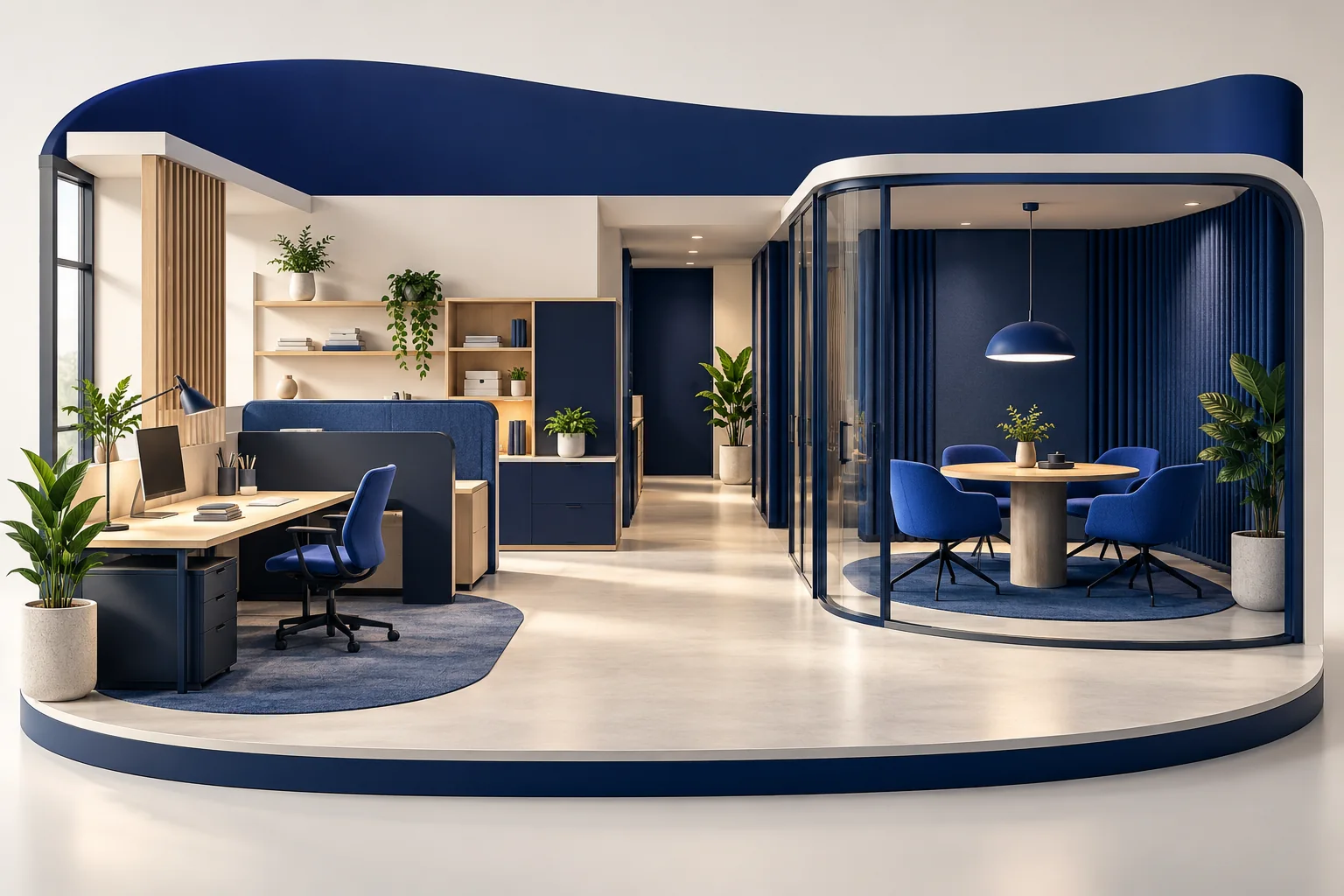
Learning objectives
- Map activities and movement before selecting furniture.
- Test privacy and workstation usability with real tasks.
- Separate reversible trials from changes requiring approval.
Map activities, routes and boundaries
List focused work, collaboration, customer conversations, storage and deliveries. Draw how people move between them, including access to frequently used equipment. Identify where noise, waiting or confidential work could conflict. Consult the people who use the space rather than assuming a single ideal layout. Keep essential routes and any applicable safety requirements visible; do not use a general design article as a building-code specification.
Evaluate the working environment as a system
Consider screen glare, lighting for different tasks, sound transfer, ventilation concerns and the placement of shared resources. Check chairs, desks and devices together with the user's activity. OSHA's guidance on workstation components is useful for these questions, while GSA policy illustrates broader workplace planning considerations in a specific public-sector context. Seek the appropriate specialist assessment where required; a pleasing photograph cannot demonstrate comfort, safety or accessibility.
Prototype before fixing the layout
Use a simple plan, temporary furniture arrangement or sample workstation to test realistic activities. Ask users to find documents, receive a visitor and hold a private conversation. Record actual difficulties and distinguish preferences from obstacles to work. Compare remedies by effectiveness, cost and reversibility. Confirm permission before structural, electrical or other regulated work. Review the layout again when team size, service or equipment changes.
Task-first design sequence
An original planning sequence for a small workspace.
Map
Describe activities, users and movement.
Trial
Test a temporary arrangement with representative tasks.
Refine
Resolve observed conflicts before final installation.
Comparison
| Activity | What to observe | Decision |
|---|---|---|
| Focused computer work | Interruptions, glare and equipment arrangement | Adjust placement or provide a quieter zone. |
| Private conversation | Whether others can see or hear sensitive material | Change the setting or seek a suitable partition solution. |
| Shared equipment use | Queues, reach and crossing routes | Relocate resources without blocking essential movement. |
Hypothetical example: a shared service office
Imagine a small office placing a printer beside the only quiet workstation.
- A trial day shows repeated interruptions when colleagues collect documents. The team notes the actual route and asks whether printing can move nearer shared storage.
- It tests the alternative while checking document privacy and access. Any required electrical or building modification is referred to the authorised parties.
The trial can identify a locally better arrangement. It does not certify the entire office or prove a productivity improvement.
Practical checklist
- Map tasks and confidential information flows.
- Test a temporary layout with intended users.
- Confirm approvals before permanent changes.
Common pitfalls
Photograph-first decisions
A room's appearance does not reveal noise, glare or movement conflicts.
A single average user
People and tasks differ; provide appropriate adjustment and consider access needs.
Questions and answers
Is an open-plan layout always better for collaboration?
No layout is universally best. Consider the balance between interaction, concentration and confidentiality for your actual work. Test the arrangement and provide suitable alternatives rather than assuming that removing partitions creates collaboration.
Can furniture alone solve a workspace problem?
Sometimes, but the cause may involve scheduling, excessive noise, workload or building constraints. Identify the problem before buying. Use specialist advice for issues outside the team's competence or authority.
Sources and further reading
- GSA: workspace allocation and designU.S. General Services Administration
First-party workplace policy provides planning considerations, not universal local requirements.
- OSHA: workstation componentsU.S. Occupational Safety and Health Administration
Official guidance connects component selection and arrangement with user and task needs.